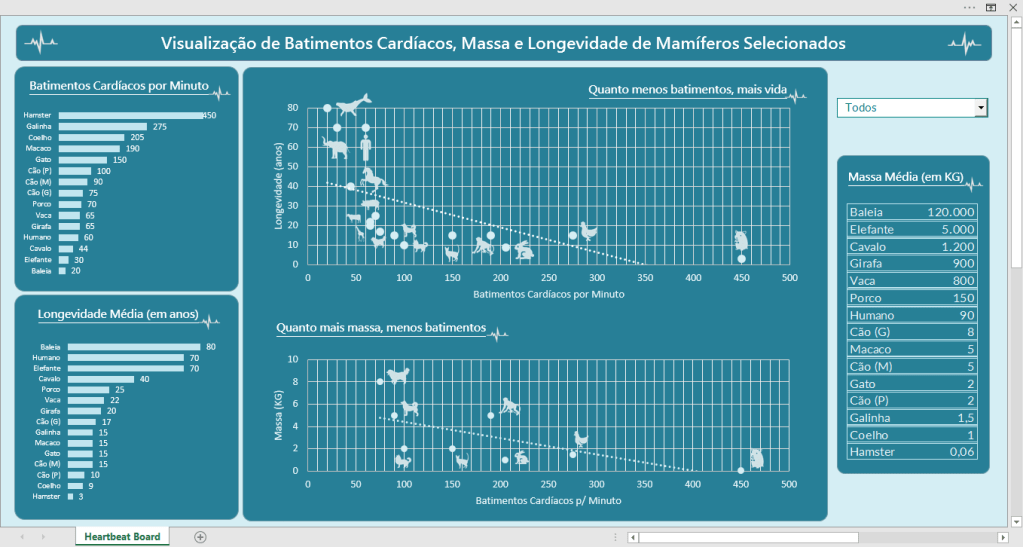
Board #18: E-Commerce Analysis – Power BI

Hello!

On this post I have a dashboard that shows the analysis of an E-Commerce website with data obtained from Google Analytics.

Here we can see the columns:

ps: Only the company has access to Google Analytics results. This originates from an exercise, so I didn’t use google analytics, but had the dataset handed to me.

For this exercise there were some questions to follow on the construction of the board, let’s see them.

Continue lendo “Board #18: E-Commerce Analysis – Power BI”
Board #16: Health Insurance Operators Spending Analysis – Power BI

Hello!

On this post I’ll show you a dashboard that I did for a challenge!

The challenge consisted of being able to answer 10 questions with 1 dashboard. The data source for it was a .csv file that contained a few columns of: Region, Age, Number of Children, Smoker or Not, IMC, Gender, Spending Value.

On the next topic, let’s see the answers to the questions one by one.

Continue lendo “Board #16: Health Insurance Operators Spending Analysis – Power BI”

Board #7: Digging Horror Movies Jumpscares

Hello!

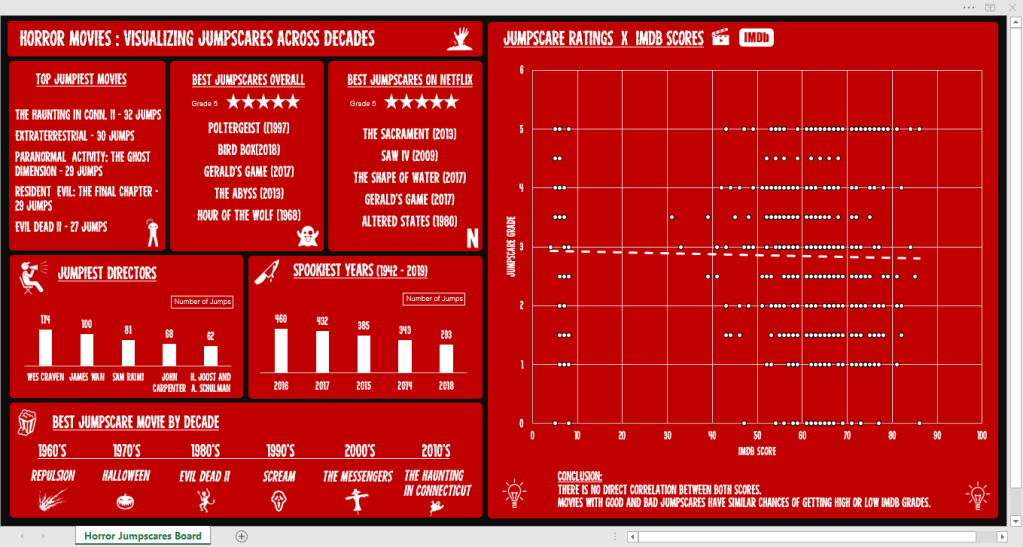
This ~spooky~ board will take us on a knowledge ride about horror movies through 6 decades, bringing informative cards and a chart that brings a simple conclusion.

The dataset used for this is from a challenge offered by r/dataisbeautiful on Reddit and it contains the following columns:

  • Movie, Year, Director
  • Jump count – How many scenes that cause a jumpscare exist
  • Jumpscare rating – If the jumpscares are good (5) or not (1)
  • If it is on Netflix (US) – Yes or No
  • IMDB score – 0 to 100

Tools Used: MS Excel – Charts (Scatterplot, Bars), Pivot Table

Continue lendo “Board #7: Digging Horror Movies Jumpscares”

Board #5: Visualizing Caffeine Presence on Drinks

Hello!

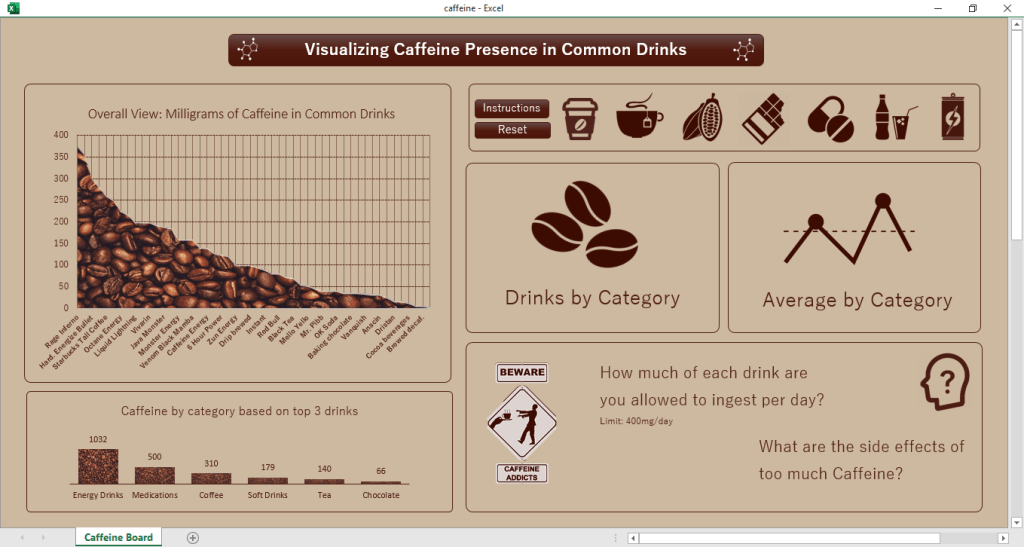
In this post we are going to talk about the presence of Caffeine in certain drinks/substances we take, as well as check the daily limit and the consequences of overdoing it.

The dataset for this came from a challenge on a subreddit (r/dataisbeautiful) and it contains only 3 colums of information, being them:

  • Item (drink, food, medicament, etc)
  • Quantity avaliated
  • Total Caffeine in the quantity
  • Column added by me: Quantity of item until 400mg* of caffeine is reached

*400 mg = Maximum dose of caffeine recommended in 1 day

Tools used: MS Excel – Charts, Pivot Tables, VBA

Continue lendo “Board #5: Visualizing Caffeine Presence on Drinks”